如何设置Publisher中的编号样式?
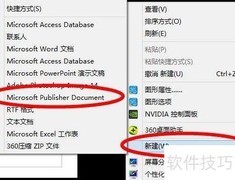
1、 在桌面上创建Publisher文件
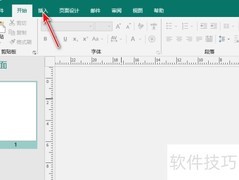
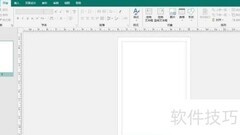
2、 启动Publisher应用程序
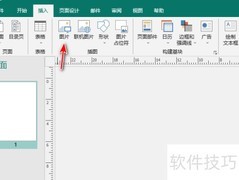
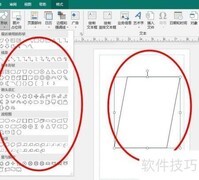
3、 设定文字区域
4、 设定目标编号
5、 在Publisher中,于上方菜单选择格式,点击编号样式。
6、 设定样式,呈现效果

如何设置Publisher中的编号样式?
1、 在桌面上创建Publisher文件
2、 启动Publisher应用程序
3、 设定文字区域
4、 设定目标编号
5、 在Publisher中,于上方菜单选择格式,点击编号样式。
6、 设定样式,呈现效果





































 手机性能天梯图
 显卡天梯图
显卡天梯图
 CPU天梯图
 电源天梯图
电源天梯图 固态硬盘天梯图
 新品日历
新品日历
评论
更多评论